How to Create an SMM Panel with smmpanel.si
Starting an SMM panel used to mean buying a script, finding hosting, and hoping nothing broke. With a hosted platform like smmpanel.si, you skip most of that and focus on the business side: your services, your prices, and your customers. Plans start from $1 per month for 500 orders, so you can test the idea without a big upfront cost. drsmm.com also runs on smmpanel.si.
This guide walks through the full process, from zero to your first sale.
What You Need Before You Start
- A domain name. This is the address customers will use, such as yourbrand.com. A short, memorable name that hints at what you sell works best. or you can create subdomain like yourbrand.smmpanel.si.
- A payment method for your plan. Plans start from $1/month.
- One or more service providers. These are the suppliers who actually deliver the followers, likes, and views your customers order. Your panel connects to them and resells their services at your own price.
- A way to accept customer payments. Decide which payment methods you want to offer, such as PayPal, cards, or crypto.
Step 1: Choose Your Plan and Create Your Account
Sign up on smmpanel.si and pick a plan. The entry plan costs $1 per month and covers 500 orders, which is enough to launch, test your services, and get your first customers. You can move up as your order volume grows.
Step 2: Set Up Your Domain
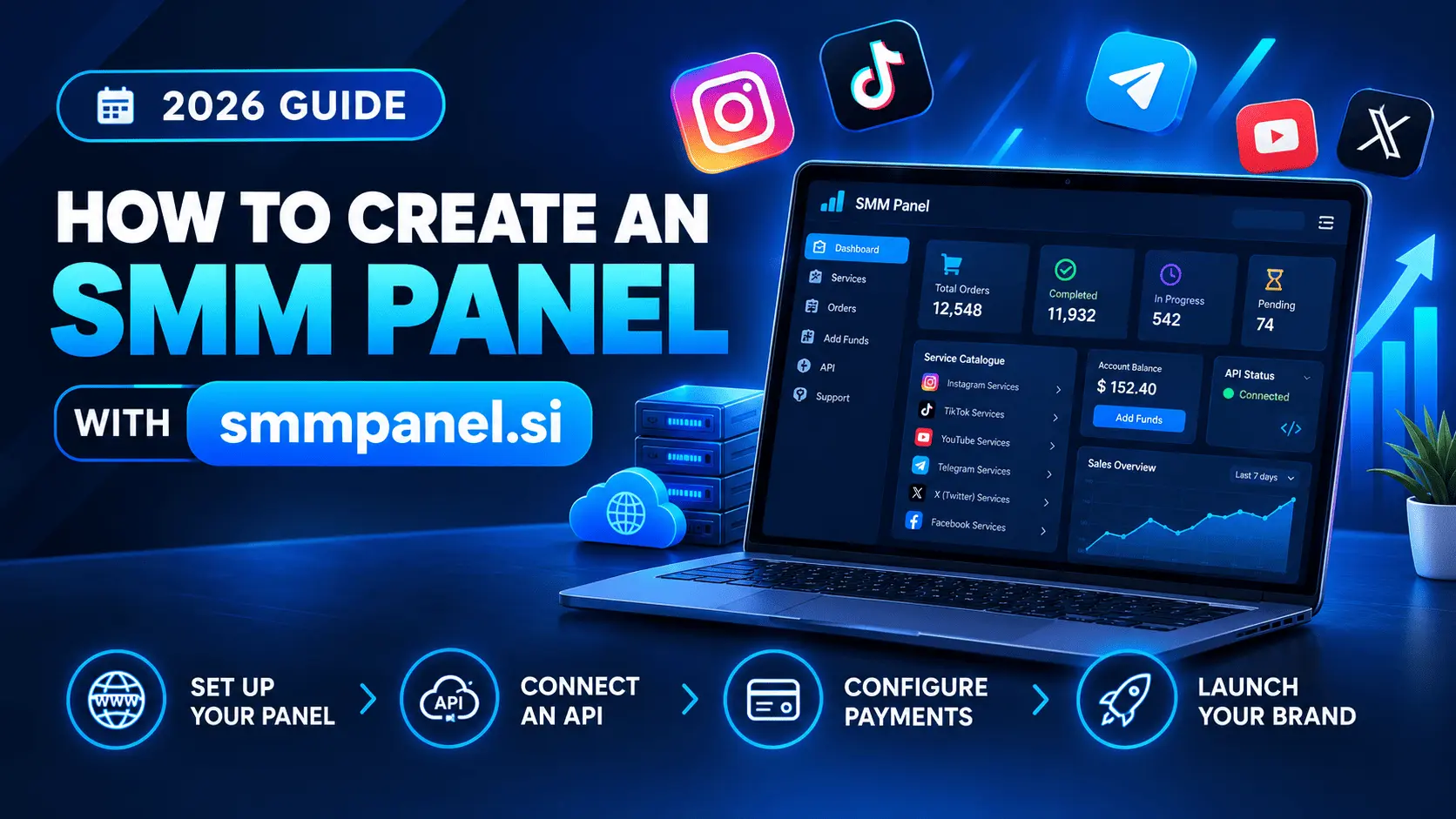
Point your own domain to your new panel. DNS for smmpanel.si panels is managed from your dashboard, so you can connect your domain without touching a separate hosting setup. Once the domain is connected, your storefront is live on your own brand name instead of a shared address.
Step 3: Brand Your Panel
Add your logo, pick your colors, and write a short description of what you offer. Keep it simple and clear. Customers should understand within a few seconds what you sell and who it’s for.
Step 4: Connect Your Service Providers
Your panel needs services to sell. Add the API details from one or more providers, then import their service lists into your panel. Start with a focused selection, such as Instagram, TikTok, and YouTube, instead of importing thousands of services at once. A smaller catalog is easier to manage and easier for customers to browse.
Step 5: Set Your Prices
Your profit is the gap between what your provider charges you and what you charge your customers. Add a percentage markup to each service so you earn a margin on every order. Check a few competitor panels first, so your prices are competitive without cutting into your profit.
Step 6: Configure Payments
Turn on the payment methods you want customers to use for adding funds. Offer at least one option that’s convenient for your target market, since customers who can’t pay easily won’t order. Do a test deposit yourself before you launch.
Step 7: Place a Test Order
Before telling anyone about your panel, place a small order yourself. Check that it goes through, that the provider receives it, and that the status updates correctly in your dashboard. Fixing problems now is much easier than fixing them after customers arrive.
Step 8: Launch and Get Your First Customers
Once the test order works, you’re ready. A few ways to get started:
- Share your panel in communities where your target customers already spend time.
- Publish helpful content, such as how-to guides and comparison posts, so search engines can send you traffic over time.
- Offer a small welcome bonus to encourage first deposits.
- Respond quickly to every support request in the early days, since good support is what builds trust.
Common Mistakes to Avoid
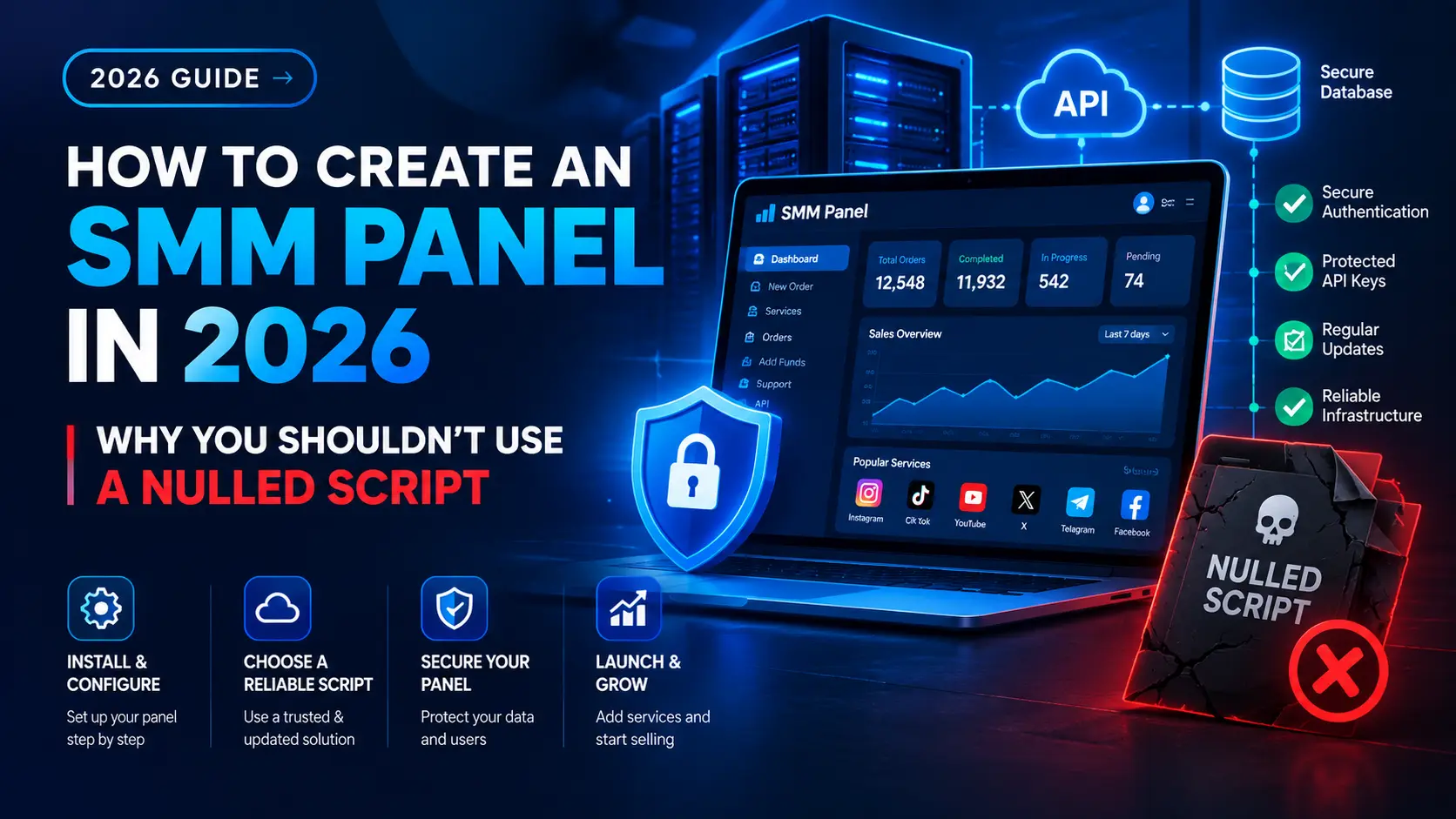
- Using a free or nulled script. Pirated panel scripts are often modified with hidden backdoors that can expose your customers’ data and your payments. A hosted, licensed platform is a much safer foundation.
- Importing too many services. A cluttered catalog confuses customers and makes quality control harder.
- Pricing with no margin. Always check that your price covers your provider cost plus a profit, including payment fees.
- Skipping the test order. One small test can save you from refunding real customers later.
FAQ
How much does it cost to start an SMM panel with smmpanel.si?
Plans start from $1 per month for 500 orders. Your other costs are your domain and the funds you add with your service providers.
Do I need to know how to code?
No. You configure your panel from a dashboard, so there’s no programming involved.
Can I use my own domain name?
Yes. You connect your own domain and run the panel under your own brand.
Does anyone else run a panel on smmpanel.si?
Yes. drsmm.com runs on smmpanel.si, alongside other panels in the same family of sites.
Do I need my own service providers?
Yes. Your panel resells services from providers, so you connect at least one provider and set your own prices on top.
What happens when I outgrow the entry plan?
You can move to a higher plan as your order volume increases.
Is it safe to use a nulled SMM panel script instead?
No. Nulled scripts are illegally modified, unsupported, and often contain malicious code. A licensed or hosted platform is the safer way to build a panel business.